
28 August 2026
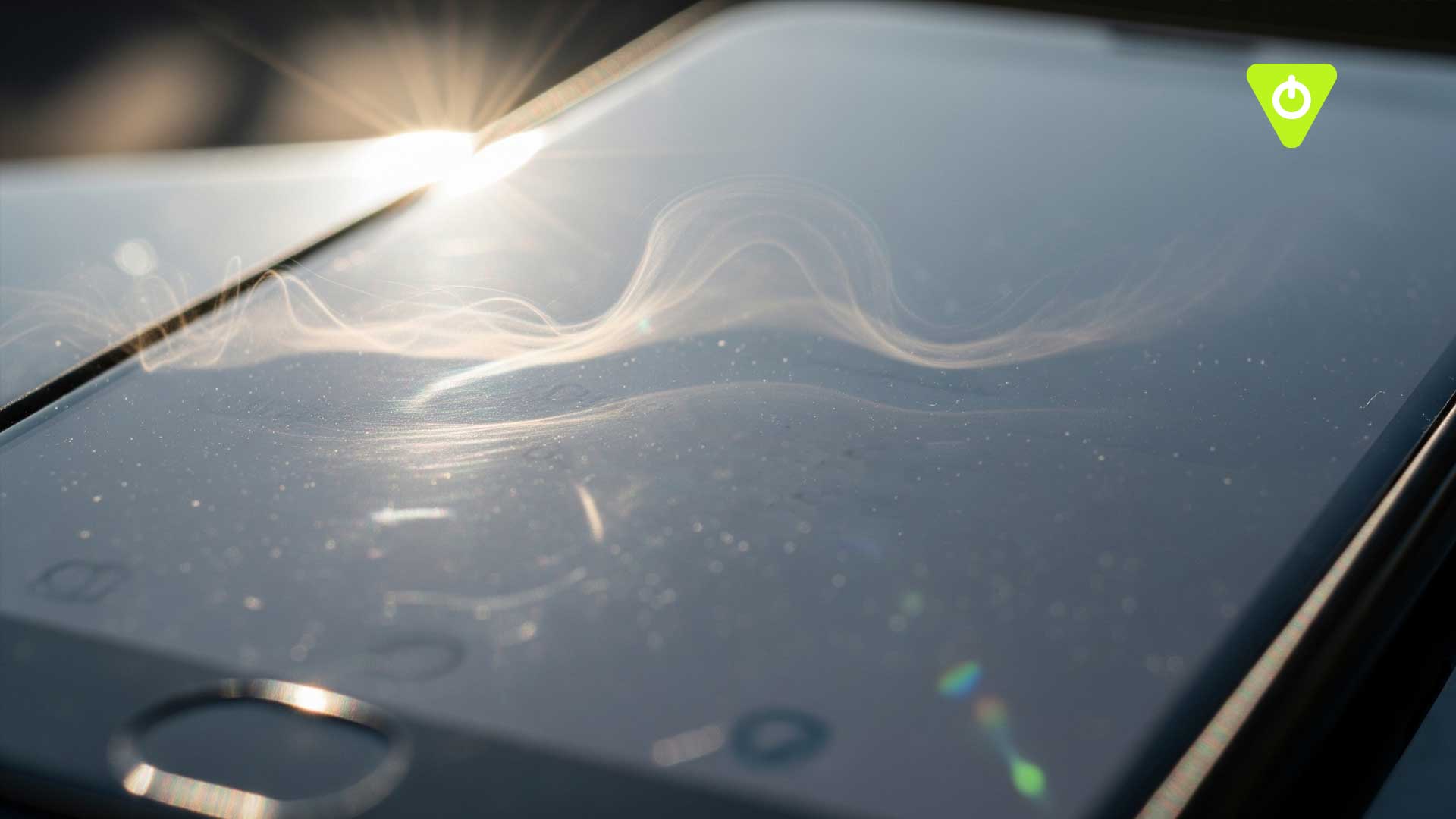
Have you ever been outside on a bright, sunny day, trying to check your phone, only to find the screen suddenly going dim? It feels completely backwards—you want more brightness, and your phone seems to be taking a nap instead. But there’s actually a clever reason behind this “moody” behaviour.
Heat: Your phone’s biggest nemesis
Your phone’s screen isn’t just a simple piece of glass with light behind it. It’s an intricate electrical sandwich. Crank up the brightness, and you’re pushing more current through the display, generating extra heat. Now, add direct sunlight literally cooking your device, and suddenly your sleek smartphone is teetering on the edge of becoming a pocket panini press.
To prevent overheating, phones have built-in self-preservation systems. The operating system constantly monitors internal temperature and, when things get too toasty, it dials down the brightness. This helps protect not only the screen but also the internal chips and battery. Think of it like an athlete in the sun—if they’re overheating, they slow down to stay safe rather than sprint into trouble.
OLED screens and burn-in
If your phone has an OLED screen, there’s another reason for dimming. Running OLEDs at maximum brightness for extended periods can cause burn-in, where ghostly outlines of your last app linger on the screen. By dimming, your phone is actively protecting the pixels and prolonging the life of your display.
Extreme measures
In really hot conditions, dimming is just the start. Your phone might throttle performance, slow down charging, or even display a “temperature warning” before shutting off entirely. It’s all about keeping your device safe.
How to keep your phone cool
So, what can you do? The simplest solution is shade. Avoid using high-performance apps or games while in direct sunlight, and give your phone time to cool down. Much like you on holiday, your phone doesn’t tan well!
Understanding why your phone dims in the sun not only satisfies curiosity but also helps you take better care of your device.
Want to know more? Watch the full Lesson Hacker video on our YouTube channel.

For more tech tips, computer science insights, and classroom-friendly explanations, visit our Craig’n’Dave website and explore our resources.