-
 Resource Centre
Free PaidLaunch Tool Learn More
Resource Centre
Free PaidLaunch Tool Learn More -
 Student Stream
FreeLaunch Tool Learn More
Student Stream
FreeLaunch Tool Learn More -
 Smart Revise
Free PaidLaunch Tool Learn More
Smart Revise
Free PaidLaunch Tool Learn More -
 Time 2 Code
FreeLaunch Tool Learn More
Time 2 Code
FreeLaunch Tool Learn More -
 Festival of Computing
FreeGet Ticket Learn More
Festival of Computing
FreeGet Ticket Learn More -
 At The Chalk Face
FreeLaunch Tool Learn More
At The Chalk Face
FreeLaunch Tool Learn More - Learn about our Study Tools
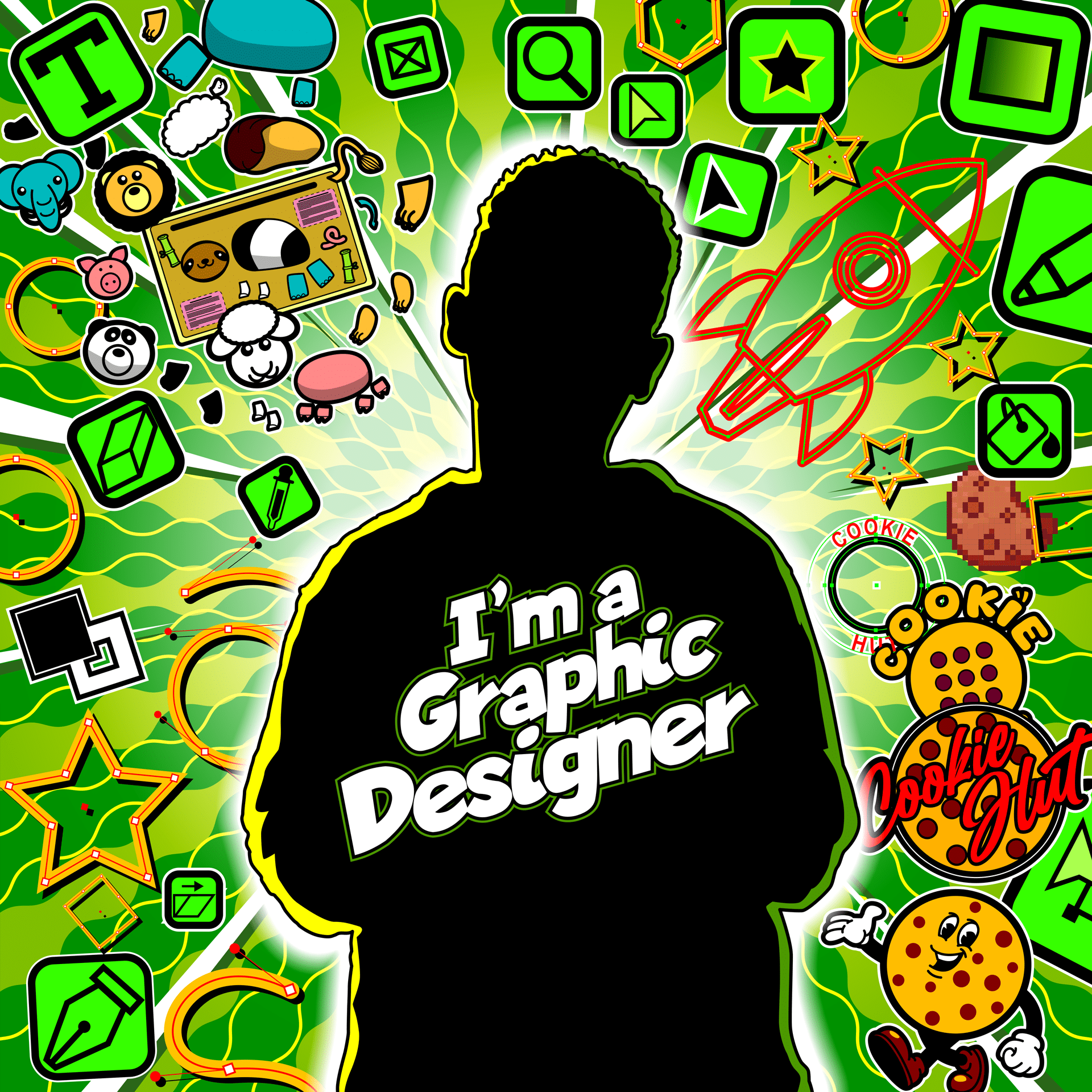
Unit 07. Graphics – I’m a graphic designer
This is a premium resource
Get full access to the Resource Centre to view and download ALL of our high-performance learning resources today.
Get full accessAlready have full access?
Details
This unit is available through our KS3 Resource Centre. We will review and update it once the draft National Curriculum 2028 Programme of Study is published to ensure full alignment. These updates will be provided free of charge to users with active KS3 Resource Centre access.
Unit description
Using software to create vector and bitmap images.
Unit career
I’m a graphic designer.
“As a graphic designer, I use digital tools to create vector and bitmap images for clients. This includes creating branding elements for a visual identity and other media assets. My goal is to produce high‑quality designs that stand out across different online platforms.”

Key Question
All the activities in this unit enable students to answer the key question:
How can we use digital tools to create images to meet a client’s needs?
Knowledge statements
This is achieved by students studying 4 “Learn-it” lessons, each of which focus on one knowledge statement:
- Know how to use software such as Provector to manipulate vector shapes.
- Know how to use tools like shape, add, subtract and points to create vectors.
- Know how to use software such as Pixlr to edit bitmaps.
- Know how to make effective compositions with text and images.
What is included in this unit?
- Teacher guide providing a detailed overview of the unit.
- 6 Lesson folders:
- 4 “Learn-it” lessons with a teacher PowerPoint and student workbook.
- 1 “Make-it” lesson with assessment materials for teachers and students.
- 1 “Review-it” lesson with an end of topic MCQ test, assessment grid, peer assessment and self-reflection.
- Any additional resources and materials needed for the activities are provided in the lesson folders.
- 6 detailed lesson plans explaining how to teach the 3 lesson phases.
- Extension activities with model answers.
- 3 independent homework question sheets supported by 3 online videos hosted on Tella.
- Reading activities with questions.
Samples
You can take a look inside our Key Stage 3 resources by watching our showcase videos.
Change Log
28/09/2026 AI image generation extension task app updated to improve student interactivity and messaging.