Back

Will quantum computers break encryption?

6 July 2026

The Truth Behind the Hype

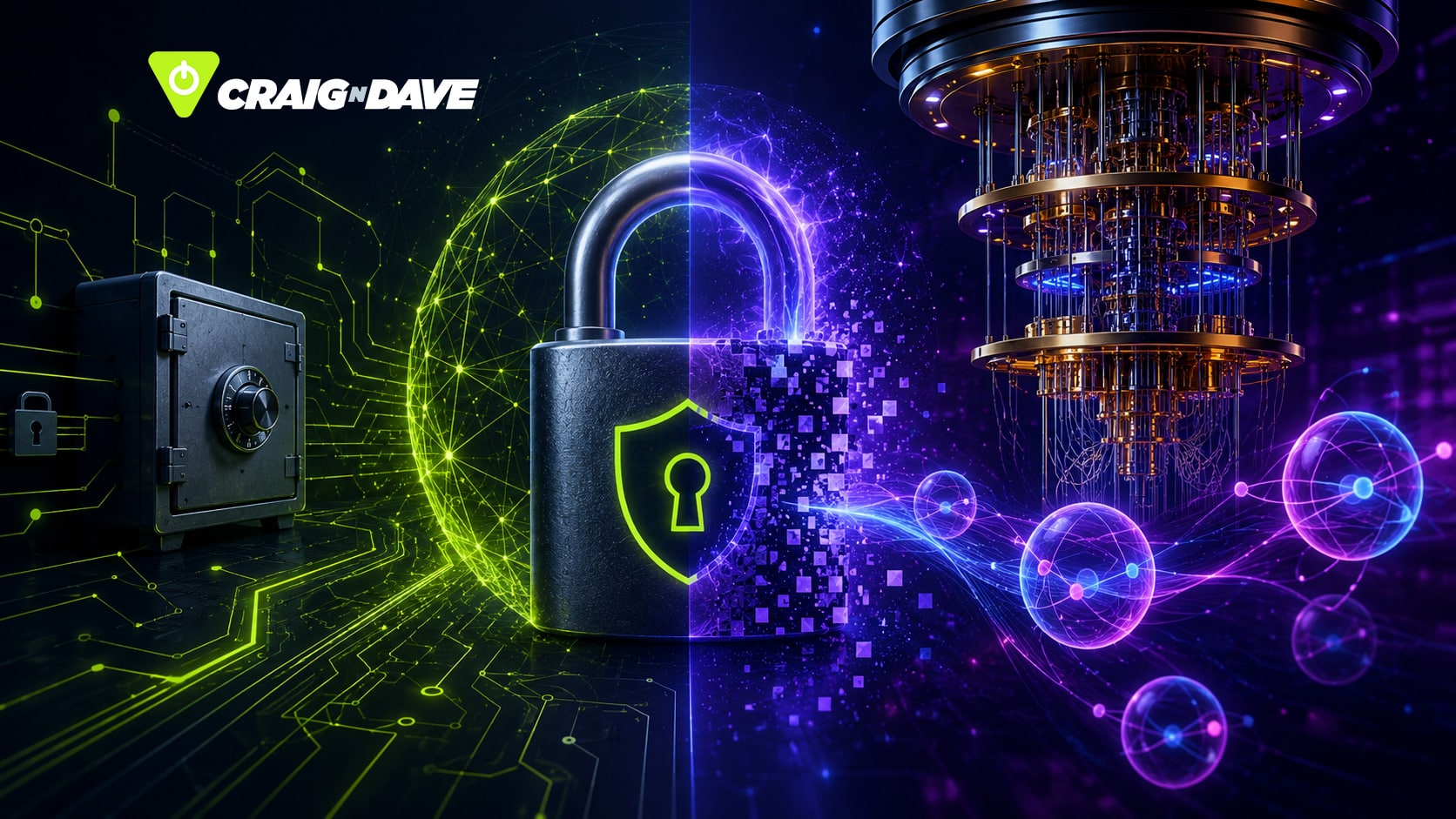
Quantum computers are all over the headlines, and one question keeps cyber-security experts — and curious Reddit users — awake at night: will they break encryption? Let’s unpack this complex topic in a way that’s informative, a little fun, and very relevant for computer science enthusiasts.

What makes quantum computers different?

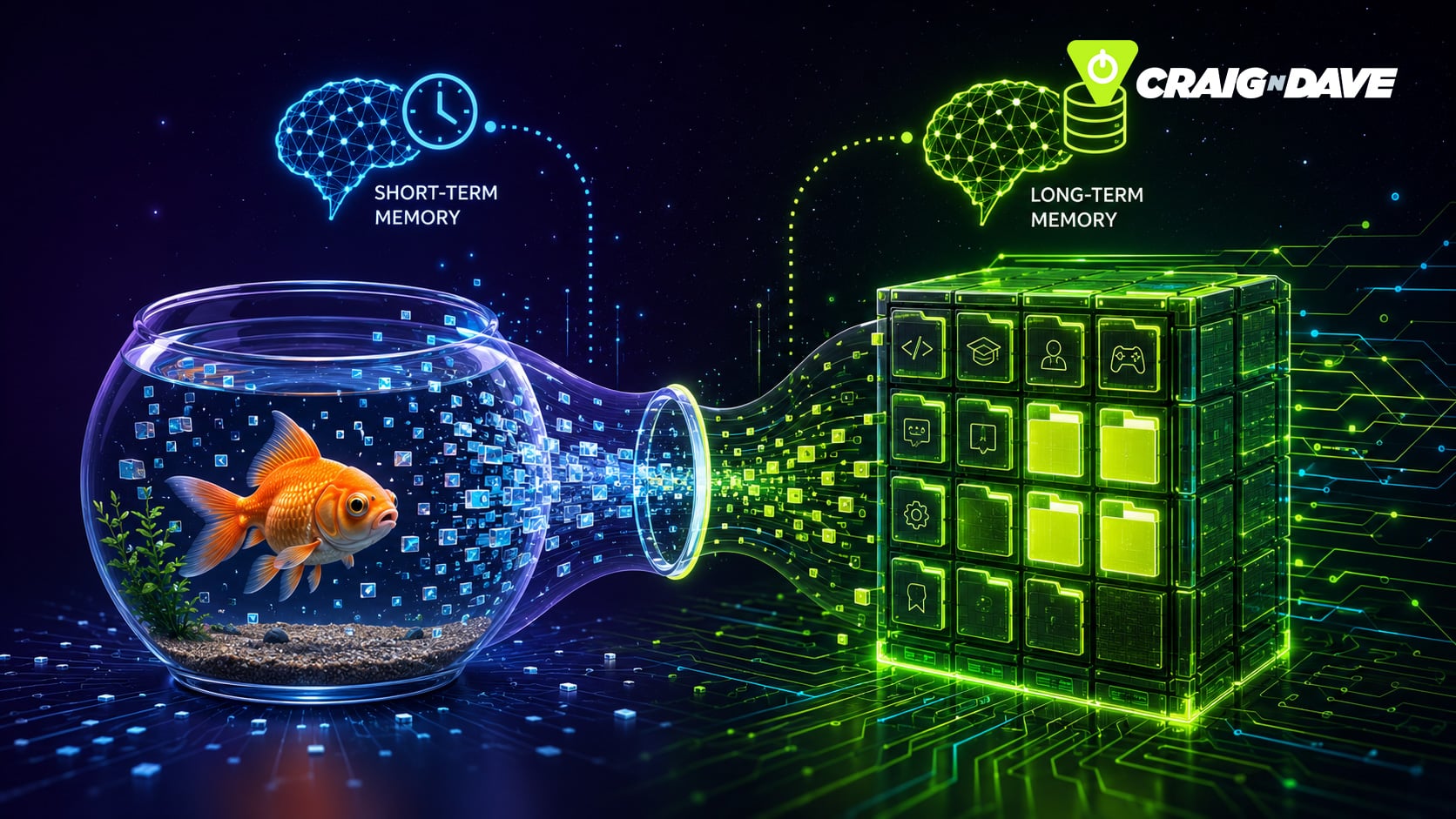
A standard computer thinks in bits — ones and zeroes, on or off. Quantum computers, however, use qubits, which can exist as one, zero, and everything in between simultaneously. This phenomenon, called superposition, allows quantum computers to explore multiple possibilities at once. Imagine trying every combination of a password simultaneously — it’s like a student’s excuse for not doing homework, but way more powerful.

Shor’s Algorithm: Why experts worry

The panic around quantum computing often centres on Shor’s Algorithm. This quantum method can factor extremely large numbers at lightning speed. Most modern encryption, such as RSA, relies on the difficulty of breaking these numbers into prime factors — essentially trying to un-mix a smoothie. With Shor’s Algorithm, those numbers could be split back into their ingredients in seconds. If a sufficiently powerful quantum computer existed, today’s encryption could be compromised.

The reality check: we’re not there yet

Here’s the reassuring bit: current quantum computers have only a few hundred noisy qubits — prone to mistakes, like a Year 10 coding project. To break modern encryption, we’d need millions of perfectly stable qubits with near-perfect error correction. This is decades away, requires extreme cooling near absolute zero, and a level of engineering that makes the Large Hadron Collider look like a Lego set.

Post-quantum encryption: staying ahead of the curve

By the time quantum computers are powerful enough to threaten encryption, post-quantum encryption will likely be in place. These new cryptographic methods are designed to withstand quantum attacks, keeping your data safe. In short, quantum computing is exciting — but not yet a cyber apocalypse.

Until then, your passwords are safe — unless you’re still using “password123”. In that case, your cat on the keyboard is a bigger threat.

Want to learn more about quantum computing and cyber security? Watch the full explainer video HERE.

Explore more computer science insights, lesson plans, and resources at craigndave.org

Related posts

How does optical disc burning work?

Discover what really happens when you “burn” a CD or DVD—it’s not fire, it’s a laser precisely encoding your data onto the disc. From pits and lands to rewritable mood-ring discs, here’s how your files get stored.

14 August 2026

What is a VPN?

Ever wondered how a VPN really works? Think of it as a clever middleman that keeps your online activity private and your data safe.

12 August 2026

Should parents be sharing your life on social media?

“Sharenting”—where parents share their children’s lives online—might seem harmless, but it comes with risks like identity theft, cyberbullying, and impacts on self-esteem. Learn how families can share responsibly while keeping kids’ privacy safe.

10 August 2026

What Is Concurrency in Computing?

Concurrency is the clever trick your computer uses to juggle multiple tasks at once—without actually doing them simultaneously.
From web pages to deadlocks, discover how this behind-the-scenes magic keeps your digital world running (mostly) smoothly.

7 August 2026

Why are silicon wafers round when chips are square?

Ever wondered why silicon wafers are round when everything they power is square? It’s all down to the way we grow and slice silicon — a fascinating mix of physics, efficiency, and a touch of irony.

5 August 2026

What Is the Best Material for a Smartphone?

Your smartphone isn’t made from one perfect material — it’s a carefully engineered compromise of plastic, metal, glass, and ceramic. Each choice solves a problem… and creates another.

3 August 2026

AI torrenting may not be so legal after all

AI training is facing a legal reality check as courts draw the line between fair use and copyright infringement. We look at why data provenance and licensing are now critical in modern AI development.

31 July 2026

Why are LEDs so efficient?

Ever wondered why LEDs use so little energy? Discover how semiconductors create light directly, using far less energy and heat than traditional light bulbs.

29 July 2026

Why Pixar still chooses CPUs over GPUs

Pixar still relies on CPUs for their final film renders — not because they’re faster, but because accuracy beats speed when every photon counts. Discover why GPUs, despite their power, aren’t perfect for cinematic-quality frames.

Back

Has Steam brought AAA gaming to Linux?

Exploring Valve’s Steam Deck, Steam Machine, and the Future of Linux Gaming

2 July 2026

Gaming on Linux has long been the underdog story of the tech world. Windows has dominated AAA game development for decades, thanks to its tight integration with DirectX, the go-to toolkit that makes characters pop, physics run smoothly, and graphics shine. But Valve, with its Steam Empire, may be changing all that.

Steam’s bold move: Linux gaming gets a boost

Valve’s Steam OS, built on Linux, powers devices like the Steam Deck and the Steam Machine. By cutting out Windows licensing fees, Valve can focus resources on performance, giving gamers more power for the things that matter most—the games themselves. Historically, Linux gaming was tricky, like showing up with Marmite sandwiches while everyone else had cheese and ham. Now, with Valve bringing AAA titles to Linux, the game is changing.

Proton: The unsung hero

The real magic lies in Proton, Valve’s translation layer built on Wine. Proton converts Windows’ DirectX calls into Vulkan, Linux’s preferred graphics API. It’s like putting on a pair of magic glasses: most games run smoothly, but sometimes the translation stumbles. Despite occasional quirks and minor performance overheads, Proton allows popular AAA games like Cyberpunk to run on Linux devices without major headaches.

The anti-cheat hurdle

While Proton bridges the DirectX gap, anti-cheat software remains a sticking point. Programs like EasyAntiCheat and BattlEye operate in Windows’ kernel space, a restricted area Linux doesn’t readily allow. This limits Linux’s ability to run competitive multiplayer titles securely, leaving some AAA games inaccessible unless Windows is installed.

The path ahead

Valve has made major strides: standardised distribution with Flatpak, Vulkan performance gains, and a vibrant modding community. Cloud gaming also promises to lessen OS limitations, opening the door for broader Linux adoption. Still, anti-cheat challenges and developer hesitation mean the journey isn’t over.
What do you think? Is Linux finally ready for AAA gaming, or are anti-cheat and DirectX hurdles too high for one company to overcome?

Join the conversation and let us know your thoughts!

Watch our Lesson Hacker video to find out more.

For more great Lesson Hacker videos, check out the CraignDave YouTube playlist HERE.
Visit our website to explore more cutting-edge tech news in the computer science world!

Related posts

How does optical disc burning work?

Discover what really happens when you “burn” a CD or DVD—it’s not fire, it’s a laser precisely encoding your data onto the disc. From pits and lands to rewritable mood-ring discs, here’s how your files get stored.

14 August 2026

What is a VPN?

Ever wondered how a VPN really works? Think of it as a clever middleman that keeps your online activity private and your data safe.

12 August 2026

Should parents be sharing your life on social media?

“Sharenting”—where parents share their children’s lives online—might seem harmless, but it comes with risks like identity theft, cyberbullying, and impacts on self-esteem. Learn how families can share responsibly while keeping kids’ privacy safe.

10 August 2026

What Is Concurrency in Computing?

Concurrency is the clever trick your computer uses to juggle multiple tasks at once—without actually doing them simultaneously.
From web pages to deadlocks, discover how this behind-the-scenes magic keeps your digital world running (mostly) smoothly.

7 August 2026

Why are silicon wafers round when chips are square?

Ever wondered why silicon wafers are round when everything they power is square? It’s all down to the way we grow and slice silicon — a fascinating mix of physics, efficiency, and a touch of irony.

5 August 2026

What Is the Best Material for a Smartphone?

Your smartphone isn’t made from one perfect material — it’s a carefully engineered compromise of plastic, metal, glass, and ceramic. Each choice solves a problem… and creates another.

3 August 2026

AI torrenting may not be so legal after all

AI training is facing a legal reality check as courts draw the line between fair use and copyright infringement. We look at why data provenance and licensing are now critical in modern AI development.

31 July 2026

Why are LEDs so efficient?

Ever wondered why LEDs use so little energy? Discover how semiconductors create light directly, using far less energy and heat than traditional light bulbs.

29 July 2026

Why Pixar still chooses CPUs over GPUs

Pixar still relies on CPUs for their final film renders — not because they’re faster, but because accuracy beats speed when every photon counts. Discover why GPUs, despite their power, aren’t perfect for cinematic-quality frames.

Back

What is Cloudflare?

Understanding the Internet’s secret superhero

2 July 2026

The Web’s bouncer, bodyguard, and personal trainer

If you’ve ever wondered why some websites load instantly while others feel like they’re moving through treacle, the answer might just be Cloudflare. You’ve probably seen the name pop up online, but what does it actually do? Think of it as the internet’s combination of bouncer, bodyguard, and personal trainer — keeping websites fast, secure, and significantly less explode-y.

Speed matters: How Cloudflare makes the Web faster

At its core, Cloudflare runs a massive global network of data centres — over 300 locations and counting. When a website uses Cloudflare, your requests get routed to the nearest data centre, thanks to something called a Content Delivery Network (CDN).
Imagine it like a library, but instead of books, you get your favourite cat videos or blog pages delivered from a server just a few miles away instead of across the Atlantic. This caching system makes websites load much faster, improving user experience and keeping impatient visitors happy.

Security first: Defending against cyber chaos

Speed is only part of the story. Cloudflare is also a cybersecurity powerhouse, filtering billions of dodgy requests every day. Using DDoS protection, Web Application Firewalls, and advanced bot-detection algorithms, it can stop malicious traffic in its tracks.
Think of it like this: if a website gets bombarded the way a toddler hits a piano — aggressively, loudly, and with zero rhythm — Cloudflare absorbs the attack. Their systems can handle traffic surges in terabits per second, essentially catching a falling building and saying, “No worries, sorted.”

Why developers love Cloudflare

One of the reasons Cloudflare is so popular is its accessibility. A single developer with a £2.99 shared hosting plan can suddenly enjoy enterprise-level performance and protection. It democratises security and speed in a way that once required expensive servers and hefty budgets. For many websites, putting Cloudflare in front of their infrastructure isn’t just smart — it’s survival.

A slightly worrying reality

Here’s the catch: with a huge portion of the internet relying on Cloudflare, a single company becomes a gatekeeper for global traffic. While outages are rare, when they happen, they can make the internet look like it’s having a midlife crisis. It’s a reminder that the internet, originally built as a decentralised network, now leans heavily on a handful of very important players.
Cloudflare is brilliant — genuinely — but it also highlights the delicate balance between speed, security, and centralisation in today’s online world.

Curious to see Cloudflare in action and understand how it really works? Watch the full Lesson Hacker video here.

For more insights, tutorials, and fun tech explanations, visit our CraignDave website.

Related posts

How does optical disc burning work?

Discover what really happens when you “burn” a CD or DVD—it’s not fire, it’s a laser precisely encoding your data onto the disc. From pits and lands to rewritable mood-ring discs, here’s how your files get stored.

14 August 2026

What is a VPN?

Ever wondered how a VPN really works? Think of it as a clever middleman that keeps your online activity private and your data safe.

12 August 2026

Should parents be sharing your life on social media?

“Sharenting”—where parents share their children’s lives online—might seem harmless, but it comes with risks like identity theft, cyberbullying, and impacts on self-esteem. Learn how families can share responsibly while keeping kids’ privacy safe.

10 August 2026

What Is Concurrency in Computing?

Concurrency is the clever trick your computer uses to juggle multiple tasks at once—without actually doing them simultaneously.
From web pages to deadlocks, discover how this behind-the-scenes magic keeps your digital world running (mostly) smoothly.

7 August 2026

Why are silicon wafers round when chips are square?

Ever wondered why silicon wafers are round when everything they power is square? It’s all down to the way we grow and slice silicon — a fascinating mix of physics, efficiency, and a touch of irony.

5 August 2026

What Is the Best Material for a Smartphone?

Your smartphone isn’t made from one perfect material — it’s a carefully engineered compromise of plastic, metal, glass, and ceramic. Each choice solves a problem… and creates another.

3 August 2026

AI torrenting may not be so legal after all

AI training is facing a legal reality check as courts draw the line between fair use and copyright infringement. We look at why data provenance and licensing are now critical in modern AI development.

31 July 2026

Why are LEDs so efficient?

Ever wondered why LEDs use so little energy? Discover how semiconductors create light directly, using far less energy and heat than traditional light bulbs.

29 July 2026

Why Pixar still chooses CPUs over GPUs

Pixar still relies on CPUs for their final film renders — not because they’re faster, but because accuracy beats speed when every photon counts. Discover why GPUs, despite their power, aren’t perfect for cinematic-quality frames.

Back

It’s not in the mark scheme

27 March 2026

When “not in the mark scheme” doesn’t mean wrong – what Quicksort teaches us about accepting valid alternatives 

A question that surfaces every revision season is this:
“If a student’s answer isn’t in the mark scheme, can they still get credit?” 

Happily, the answer is yes. 

Mark schemes guide examiners toward expected answers, but they’re not exhaustive. A response that demonstrates the required understanding, even if expressed differently, should still earn marks, and examiners are trained to recognise valid alternatives. 

Few topics illustrate this better than the story of the Quicksort, and the many ways students might correctly perform it. 

Remembering Tony Hoare, creator of Quicksort 

It felt fitting to reflect on this, following the sad news that Professor Sir Charles Hoare (“Tony Hoare”) passed away peacefully on 5 March 2026 at the age of 92. Hoare is widely regarded as one of the greatest thinkers in the history of computing. His most famous contribution was the Quicksort, the algorithm that has sparked more A level debates and classroom disputes than possibly almost any other. 

The origin story is wonderfully humble. In 1959, while studying machine translation at Moscow State University, Hoare needed a fast way to sort Russian words. Bubble sort wasn’t going to cut it. So, armed with paper and pencil, he devised Quicksort. Ironically, he couldn’t actually implement it, the language he was using, Mercury Autocode, was too limited. 

When he returned to England and joined Elliott Brothers in 1960, one of his first tasks was to write a Shellsort. After completing it, he casually mentioned to his boss that he knew a faster method. His boss responded with a sixpence bet – one Hoare won when Quicksort outperformed all expectations. 

So why don’t students’ Quicksorts match the mark scheme? 

Quicksort isn’t a single algorithm. It’s a family of algorithms. Researchers and engineers have created hundreds of variants, each valid, each useful, each “Quicksort.” 

This naturally leads to classroom friction: 

  • “That’s not how we learned it in Maths!” 
  • “But my teacher said the pivot never moves!” 
  • “This example is nothing like the mark scheme…” 

The truth is: students aren’t wrong. Teachers aren’t wrong, and neither is the mark scheme! They’re often just using different, but valid variants. That’s exactly why rigidly expecting a single form of Quicksort can result in unfairly penalising correct answers. 

What teachers should really look for with algorithms 

Don’t advise students to memorise code blocks. Instead of matching specific code, teachers and students should look for the essential components that all Quicksort variants share: 

  1. A pivot selection strategy

Common approaches include: 

  • First element 
  • Last element 
  • Middle element 
  • Random pivot 
  • Medianof3 
  • Medianof5 
  • Tukey’s ninther 
  • Adaptive schemes (e.g., introselect) 
  1. A partitioning scheme

Popular methods include: 

  • Hoare partition – efficient, uses two indices 
  • Lomuto partition – conceptually simple, uses one index 
  • Bentley–McIlroy 3way – excellent for data with many duplicates 
  • Dualpivot – used in Java’s standard sort 
  1. A recursive divide-and-conquer structure

Often supported by implementation choices such as: 

  • Tailrecursion elimination 
  • Cutoffs to insertion sort 
  • Memory layout optimisations 
  • Parallel variants 
  • Introsort hybrids 
  • Cacheoblivious versions 
  1. A base case

The recursion stops when a sub list contains 0 or 1 elements. 

  1. Combination of the results

When all partitions are sorted, the fully sorted list is formed. 


Where the confusion really comes from 

Most disagreement stems from the popularity of two different partitioning approaches: Hoare or Lomuto, and the fact that many teachers were taught one or the other. 

To complicate things further a visualisation called the “Hungarian dancers” (thanks to a viral YouTube video) uses the first element as the pivot but allows it to move during partitioning meaning it’s not a pure Hoare partition, it’s a variant that is inefficient but can make it easier to visualise what the pivot is doing. 

So, when a student’s working doesn’t match what’s in the mark scheme or what you’ve seen before, remember: it may still be a perfectly valid algorithm. 

Want clear, classroom-friendly examples? 

To support teachers CPD, we’ve included full walkthroughs of the Hoare, Lomuto, and the Hungarian variant with code in Python, C#, and Visual Basic in our book:
👉 https://www.amazon.co.uk/dp/B09NRBS8ND 

Oh, and that documented meeting between Tony Hoare and Nico Lomuto we included? That’s just fiction! …but Tony did win the sixpence from his boss! 

Check out the ‘At the chalk face’ podcast for more!

Related posts

How does optical disc burning work?

Discover what really happens when you “burn” a CD or DVD—it’s not fire, it’s a laser precisely encoding your data onto the disc. From pits and lands to rewritable mood-ring discs, here’s how your files get stored.

14 August 2026

What is a VPN?

Ever wondered how a VPN really works? Think of it as a clever middleman that keeps your online activity private and your data safe.

12 August 2026

Should parents be sharing your life on social media?

“Sharenting”—where parents share their children’s lives online—might seem harmless, but it comes with risks like identity theft, cyberbullying, and impacts on self-esteem. Learn how families can share responsibly while keeping kids’ privacy safe.

10 August 2026

What Is Concurrency in Computing?

Concurrency is the clever trick your computer uses to juggle multiple tasks at once—without actually doing them simultaneously.
From web pages to deadlocks, discover how this behind-the-scenes magic keeps your digital world running (mostly) smoothly.

7 August 2026

Why are silicon wafers round when chips are square?

Ever wondered why silicon wafers are round when everything they power is square? It’s all down to the way we grow and slice silicon — a fascinating mix of physics, efficiency, and a touch of irony.

5 August 2026

What Is the Best Material for a Smartphone?

Your smartphone isn’t made from one perfect material — it’s a carefully engineered compromise of plastic, metal, glass, and ceramic. Each choice solves a problem… and creates another.

3 August 2026

AI torrenting may not be so legal after all

AI training is facing a legal reality check as courts draw the line between fair use and copyright infringement. We look at why data provenance and licensing are now critical in modern AI development.

31 July 2026

Why are LEDs so efficient?

Ever wondered why LEDs use so little energy? Discover how semiconductors create light directly, using far less energy and heat than traditional light bulbs.

29 July 2026

Why Pixar still chooses CPUs over GPUs

Pixar still relies on CPUs for their final film renders — not because they’re faster, but because accuracy beats speed when every photon counts. Discover why GPUs, despite their power, aren’t perfect for cinematic-quality frames.

Back

What is vibe coding? Is it the future of programming?

Welcome to the “tell, don’t type” era of coding

12 January 2026

If “vibe coding” sounds like something you’d do while lounging in a beanbag with lo-fi beats and herbal tea, you’re not alone. But despite its chilled-out name, vibe coding is a seriously powerful development method—and it’s changing the way we write software.

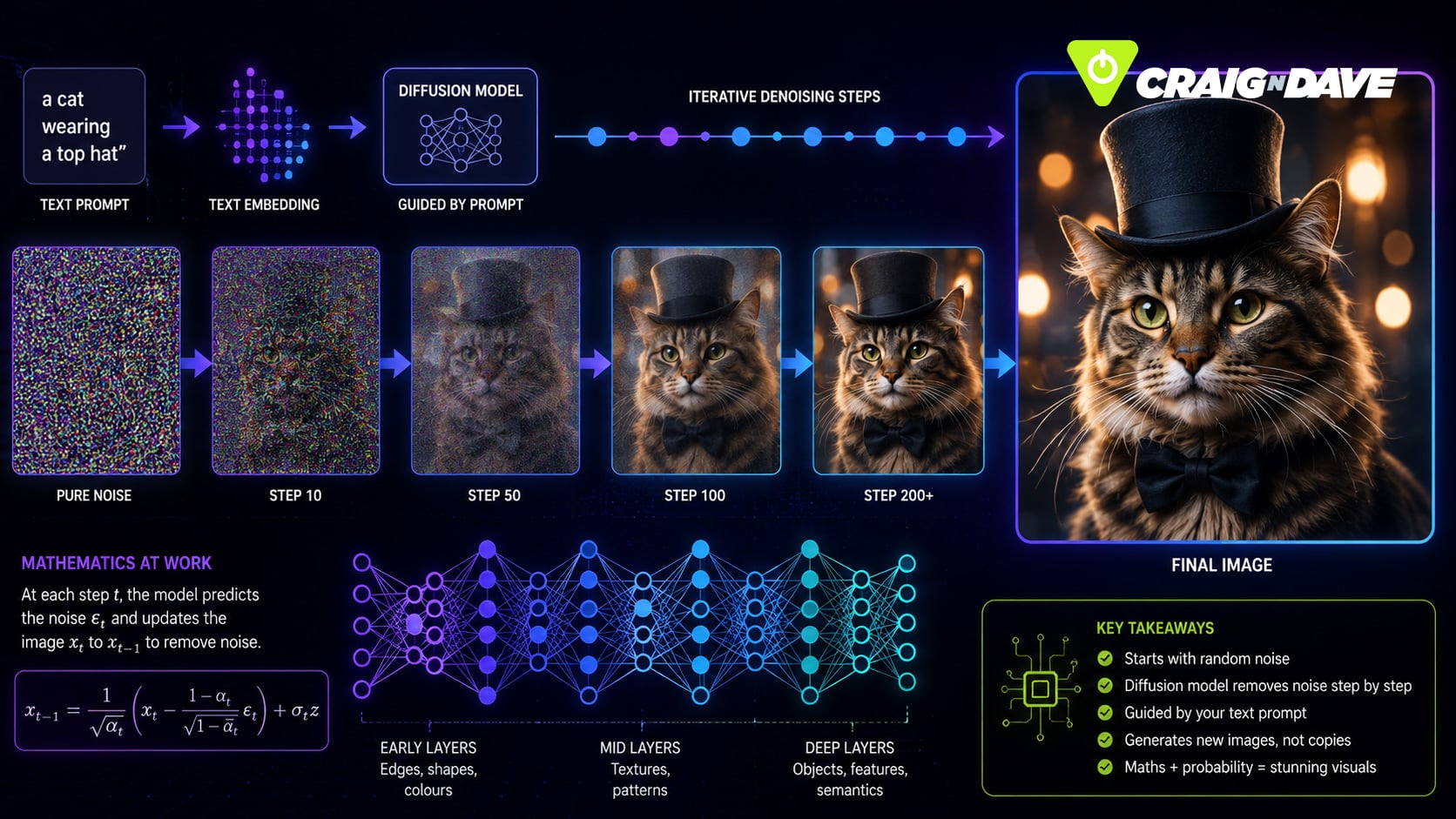
At its core, vibe coding means using plain English to tell an AI what you want your program to do. Instead of hammering out every loop, condition, and semicolon, you type something like: “Make a form that submits user data to the backend and shows a thank-you message.” The AI interprets your request and generates the code for you—sometimes even with documentation.

This magic happens thanks to large language models like GPT, which have been trained on vast amounts of code. They break your prompt into tokens, map those to patterns they’ve seen before, and predict the most likely next tokens to generate full functions, boilerplate files, and more. Think autocomplete on steroids.

What’s more, modern AI tools like Copilot, Cursor, and Replit are context-aware. They don’t just spit out code snippets—they understand your project structure, track variables across files, and can even refactor code you’ve long forgotten you wrote.

Of course, vibe coding isn’t flawless. The AI can “hallucinate” functions that don’t exist, or write code that looks great… until it crashes. It’s like having a super-keen intern: quick, clever, but occasionally wildly overconfident.

Still, for speeding up development, brainstorming solutions, or simply avoiding another late-night regex breakdown, vibe coding is a game-changer. You bring the ideas. The AI brings the syntax.

Watch our Lesson Hacker video here to explore more.

For more Lesson Hacker videos, check out the Craig’n’Dave YouTube playlist HERE.

Be sure to visit our website for more insights into the world of technology and the best teaching resources for computer science and business studies.

Stay informed, stay curious!

Related posts

How does optical disc burning work?

Discover what really happens when you “burn” a CD or DVD—it’s not fire, it’s a laser precisely encoding your data onto the disc. From pits and lands to rewritable mood-ring discs, here’s how your files get stored.

14 August 2026

What is a VPN?

Ever wondered how a VPN really works? Think of it as a clever middleman that keeps your online activity private and your data safe.

12 August 2026

Should parents be sharing your life on social media?

“Sharenting”—where parents share their children’s lives online—might seem harmless, but it comes with risks like identity theft, cyberbullying, and impacts on self-esteem. Learn how families can share responsibly while keeping kids’ privacy safe.

10 August 2026

What Is Concurrency in Computing?

Concurrency is the clever trick your computer uses to juggle multiple tasks at once—without actually doing them simultaneously.
From web pages to deadlocks, discover how this behind-the-scenes magic keeps your digital world running (mostly) smoothly.

7 August 2026

Why are silicon wafers round when chips are square?

Ever wondered why silicon wafers are round when everything they power is square? It’s all down to the way we grow and slice silicon — a fascinating mix of physics, efficiency, and a touch of irony.

5 August 2026

What Is the Best Material for a Smartphone?

Your smartphone isn’t made from one perfect material — it’s a carefully engineered compromise of plastic, metal, glass, and ceramic. Each choice solves a problem… and creates another.

3 August 2026

AI torrenting may not be so legal after all

AI training is facing a legal reality check as courts draw the line between fair use and copyright infringement. We look at why data provenance and licensing are now critical in modern AI development.

31 July 2026

Why are LEDs so efficient?

Ever wondered why LEDs use so little energy? Discover how semiconductors create light directly, using far less energy and heat than traditional light bulbs.

29 July 2026

Why Pixar still chooses CPUs over GPUs

Pixar still relies on CPUs for their final film renders — not because they’re faster, but because accuracy beats speed when every photon counts. Discover why GPUs, despite their power, aren’t perfect for cinematic-quality frames.

Back

What does a GPU actually do?

The crayon-filled truth about graphics processing.

9 January 2026

 Why your graphics card is more of an art class than a supercomputer

If you’ve ever wondered what a GPU really does, you’re not alone. Graphics Processing Units often sound like the mysterious cousins of CPUs, quietly making magic happen behind the scenes of your favourite games and videos. But here’s a fun way to think about it: imagine a colouring book the size of the Eiffel Tower… and a looming deadline.

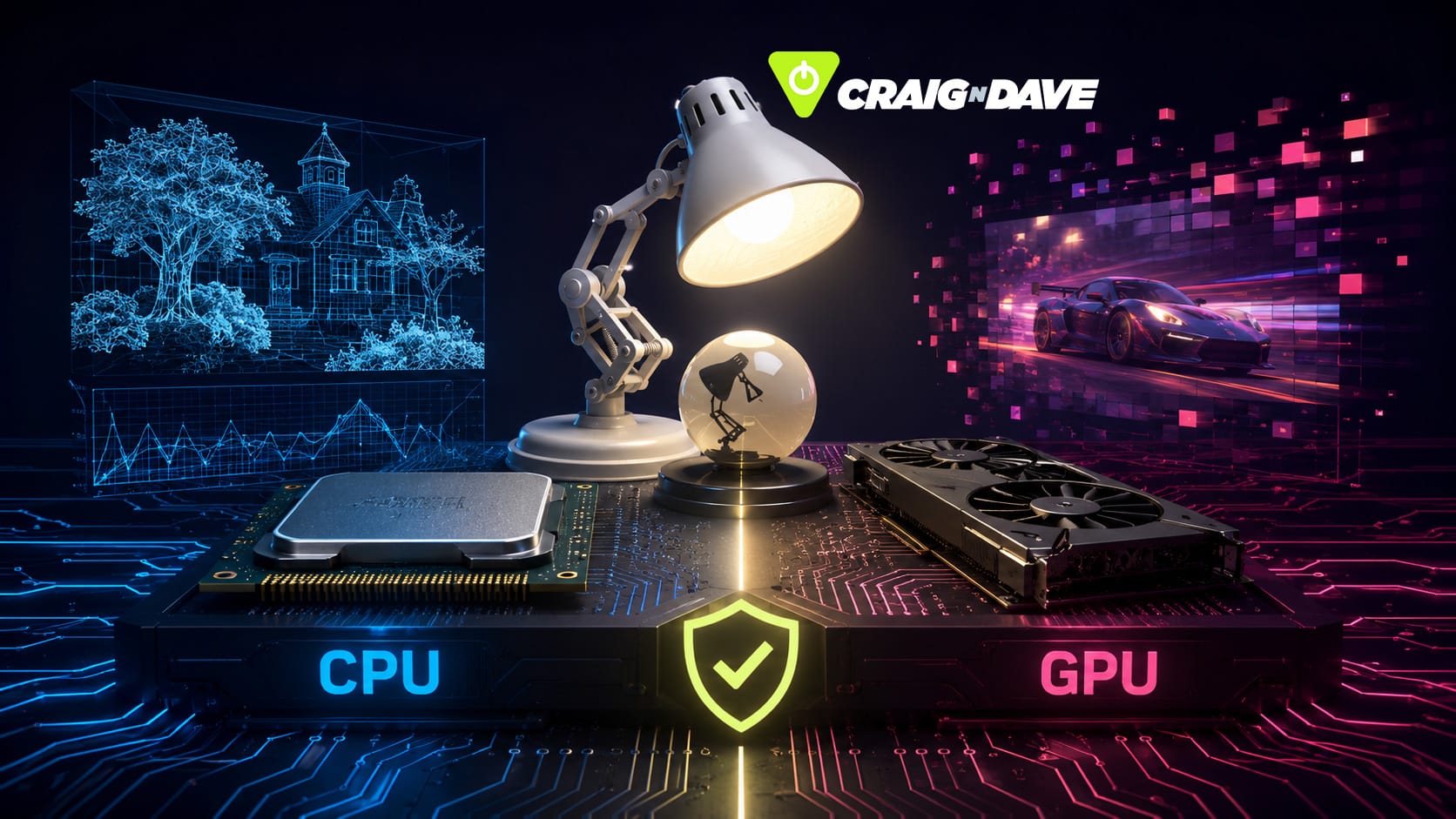
A CPU would take one look, grab a single crayon, and carefully colour inside the lines—inch by inch. Methodical, yes. Efficient? Not quite. 

CPUs are brilliant at complex, sequential tasks, like running your operating system or checking your emails. They’re your digital Swiss Army knives. But they weren’t built for speed painting.

Enter the GPU: not one person with a crayon, but a room full of toddlers—each with a crayon in hand. Shout “RED!” and suddenly hundreds of tiny hands go wild scribbling. It might not all be tidy, but the job gets done at lightning speed. That’s parallel processing in action.

GPUs are crammed with hundreds (sometimes thousands) of tiny, specialised cores designed to handle the same task simultaneously. They’re ideal for things like shading millions of pixels, calculating real-time lighting effects, or rendering dragons in ultra-high resolution at 60 frames per second.

While your CPU can do a little of everything, a GPU goes all-in on one job: graphics. It doesn’t bother with emails or spreadsheets—it’s far too busy making your game worlds look stunning (or quietly mining crypto, if you’re into that).

So next time you’re blown away by slick visuals, thank the GPU. And if something crashes? Don’t blame the hardware. Maybe just check the crayon count.

Watch our Lesson Hacker video to explore more.

For more Lesson Hacker videos, check out the Craig’n’Dave YouTube playlist HERE.

Be sure to visit our website for more insights into the world of technology and the best teaching resources for computer science and business studies.

Stay informed, stay curious!

Related posts

How does optical disc burning work?

Discover what really happens when you “burn” a CD or DVD—it’s not fire, it’s a laser precisely encoding your data onto the disc. From pits and lands to rewritable mood-ring discs, here’s how your files get stored.

14 August 2026

What is a VPN?

Ever wondered how a VPN really works? Think of it as a clever middleman that keeps your online activity private and your data safe.

12 August 2026

Should parents be sharing your life on social media?

“Sharenting”—where parents share their children’s lives online—might seem harmless, but it comes with risks like identity theft, cyberbullying, and impacts on self-esteem. Learn how families can share responsibly while keeping kids’ privacy safe.

10 August 2026

What Is Concurrency in Computing?

Concurrency is the clever trick your computer uses to juggle multiple tasks at once—without actually doing them simultaneously.
From web pages to deadlocks, discover how this behind-the-scenes magic keeps your digital world running (mostly) smoothly.

7 August 2026

Why are silicon wafers round when chips are square?

Ever wondered why silicon wafers are round when everything they power is square? It’s all down to the way we grow and slice silicon — a fascinating mix of physics, efficiency, and a touch of irony.

5 August 2026

What Is the Best Material for a Smartphone?

Your smartphone isn’t made from one perfect material — it’s a carefully engineered compromise of plastic, metal, glass, and ceramic. Each choice solves a problem… and creates another.

3 August 2026

AI torrenting may not be so legal after all

AI training is facing a legal reality check as courts draw the line between fair use and copyright infringement. We look at why data provenance and licensing are now critical in modern AI development.

31 July 2026

Why are LEDs so efficient?

Ever wondered why LEDs use so little energy? Discover how semiconductors create light directly, using far less energy and heat than traditional light bulbs.

29 July 2026

Why Pixar still chooses CPUs over GPUs

Pixar still relies on CPUs for their final film renders — not because they’re faster, but because accuracy beats speed when every photon counts. Discover why GPUs, despite their power, aren’t perfect for cinematic-quality frames.

Back

Should beginners use AI to code?

8 January 2026

Here’s why the answer isn’t so simple. AI can be an amazing tool for coders—but should absolute beginners rely on it?

So, you’ve just dipped your toes into the world of coding—still coming to terms with variables, loops, and the existential dread of debugging. Then someone tells you, “Just use AI, it’ll write the code for you!” Sounds tempting, right? 

But here’s why that shiny tool might be more lightsaber than lifesaver.

Imagine giving a Jedi weapon to someone who’s only just mastered the art of stick-fighting. That’s what it’s like handing over AI code generation tools to a beginner. Yes, it’s powerful. Yes, it sounds impressive. But if you don’t yet understand the basics, there’s a real risk of slicing through your logic and confidence.

This isn’t to say you should avoid AI altogether. In fact, it can be an incredible tutor—if you use it the right way. Ask it questions. Explore its answers. Use it to understand concepts like callbacks (which, let’s be honest, sound more like something your ex never gave you). But don’t fall into the trap of copying and pasting code like you’re following a recipe from the internet—because while it might work, you won’t truly know how or why.

AI should be your sidekick, not your saviour. 

It’s brilliant when you need a quick fix or to meet a tight deadline. But if your goal is to learn how to code—really learn—then you need to do the thinking. The debugging. The failing and fixing.

Because one day, you’ll face AI-generated code that doesn’t work. And if you’ve skipped the hard stuff, you’ll be stuck—realising, with horror, that the problem isn’t the code. It’s you.


Watch our Lesson Hacker video here to explore more.

For more Lesson Hacker videos, check out the Craig’n’Dave YouTube playlist HERE.

Be sure to visit our website for more insights into the world of technology and the best teaching resources for computer science and business studies.

Stay informed, stay curious!

Related posts

How does optical disc burning work?

Discover what really happens when you “burn” a CD or DVD—it’s not fire, it’s a laser precisely encoding your data onto the disc. From pits and lands to rewritable mood-ring discs, here’s how your files get stored.

14 August 2026

What is a VPN?

Ever wondered how a VPN really works? Think of it as a clever middleman that keeps your online activity private and your data safe.

12 August 2026

Should parents be sharing your life on social media?

“Sharenting”—where parents share their children’s lives online—might seem harmless, but it comes with risks like identity theft, cyberbullying, and impacts on self-esteem. Learn how families can share responsibly while keeping kids’ privacy safe.

10 August 2026

What Is Concurrency in Computing?

Concurrency is the clever trick your computer uses to juggle multiple tasks at once—without actually doing them simultaneously.
From web pages to deadlocks, discover how this behind-the-scenes magic keeps your digital world running (mostly) smoothly.

7 August 2026

Why are silicon wafers round when chips are square?

Ever wondered why silicon wafers are round when everything they power is square? It’s all down to the way we grow and slice silicon — a fascinating mix of physics, efficiency, and a touch of irony.

5 August 2026

What Is the Best Material for a Smartphone?

Your smartphone isn’t made from one perfect material — it’s a carefully engineered compromise of plastic, metal, glass, and ceramic. Each choice solves a problem… and creates another.

3 August 2026

AI torrenting may not be so legal after all

AI training is facing a legal reality check as courts draw the line between fair use and copyright infringement. We look at why data provenance and licensing are now critical in modern AI development.

31 July 2026

Why are LEDs so efficient?

Ever wondered why LEDs use so little energy? Discover how semiconductors create light directly, using far less energy and heat than traditional light bulbs.

29 July 2026

Why Pixar still chooses CPUs over GPUs

Pixar still relies on CPUs for their final film renders — not because they’re faster, but because accuracy beats speed when every photon counts. Discover why GPUs, despite their power, aren’t perfect for cinematic-quality frames.

Back

Is the Online Safety Act protecting us, or going too far?

Navigating the new online safety act

7 January 2026

The UK’s Online Safety Act has landed, and while its intentions might seem noble, the execution has raised eyebrows across classrooms, workplaces, and dinner tables alike. Designed to protect young people from harmful online content, it’s already being labelled by some as overkill — a digital bazooka to squash a fly.

So, what’s really going on? Let’s break it down.

Age checks, fines, and blocked sites

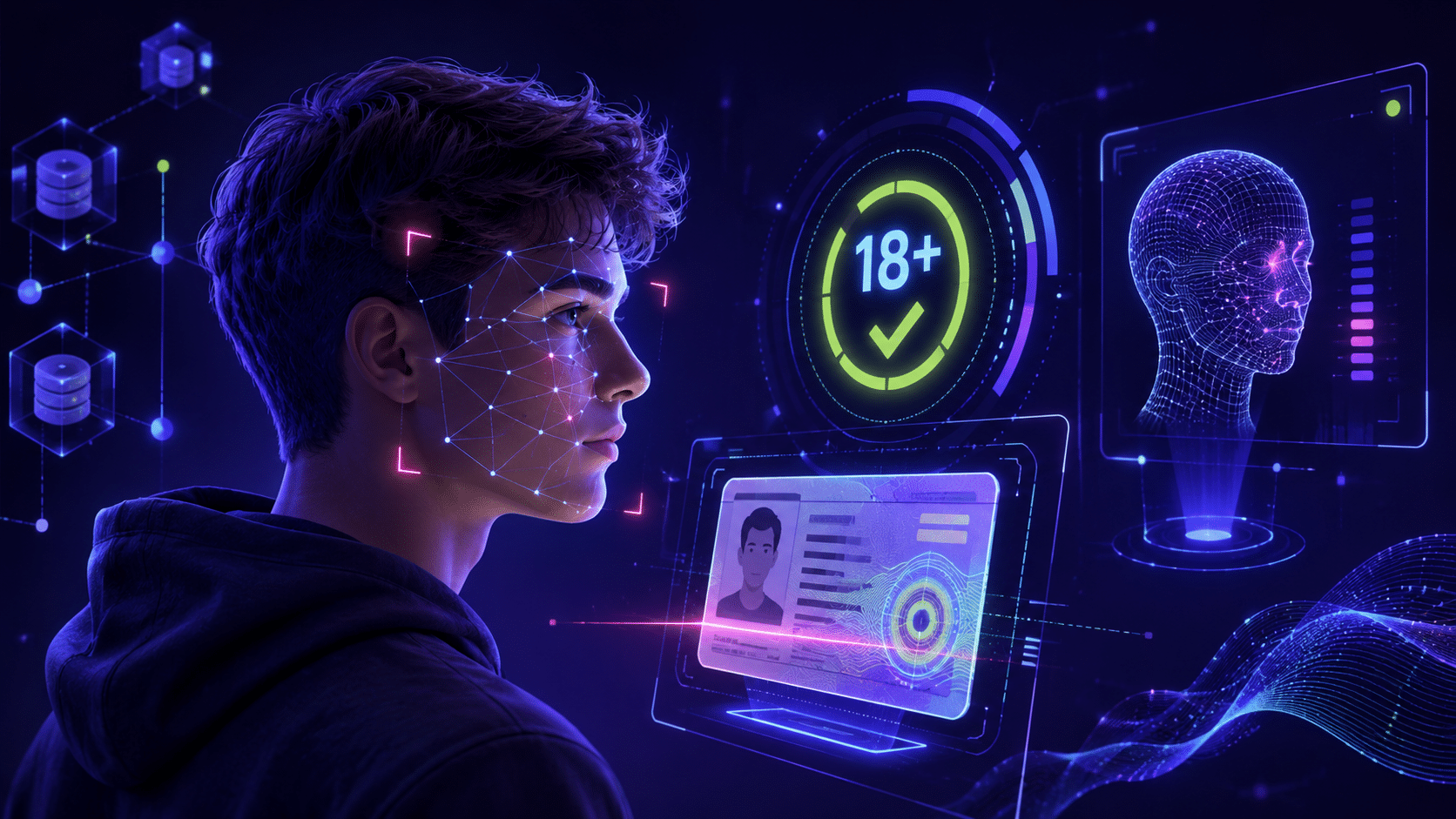
At its core, the Act requires platforms to implement strict age verification systems. Think ID scans, facial recognition, or even using your webcam to prove you’re old enough to view certain content. Non-compliant sites risk heavy fines or outright bans in the UK.

But here’s the catch: this doesn’t just affect teenagers. Adults are finding themselves locked out of music, films, and even news unless they hand over personal data to third-party verifiers. Imagine being asked to show ID just to stream a song on Spotify — it’s happening.

The VPN boom

Unsurprisingly, VPN downloads have surged. Acting like an invisibility cloak for the internet, VPNs let users bypass age restrictions and region locks. Ironically, even some MPs — the very people behind the law — have been expensing VPN subscriptions instead of submitting to verification checks.

Yet this workaround isn’t risk-free. Free VPNs, in particular, often come with hidden dangers, from data harvesting to malware. In trying to dodge surveillance, users may be stepping into something worse.

When protection becomes restriction

The ripple effects go beyond entertainment. News about conflicts in Gaza or Ukraine, LGBTQ+ support resources, and other legitimate educational content have been blocked under sweeping rules. The Act’s “better safe than sorry” approach has meant that entire conversations and communities are stifled.

It’s a balancing act: yes, protecting young people is vital, but when important voices and discussions are muted, digital freedom takes a serious hit.

Finding the balance

So, is the Online Safety Act safeguarding the vulnerable or silencing too much? 

Its double-edged nature shows us that regulation without nuance can lead to privacy risks, restricted freedoms, and frustrated users.

For teachers, students, and parents navigating these changes, the key is to stay informed and ask the hard questions: how do we balance safety and freedom online?

Watch the full Lesson Hacker video to dive deeper into the world of The Online Safety Act.

For more Lesson Hacker videos, check out the Craig’n’Dave YouTube playlist HERE.

Be sure to visit our website for more insights into the world of technology and the best teaching resources for computer science and business studies.

Stay informed, stay curious!

Related posts

How does optical disc burning work?

Discover what really happens when you “burn” a CD or DVD—it’s not fire, it’s a laser precisely encoding your data onto the disc. From pits and lands to rewritable mood-ring discs, here’s how your files get stored.

14 August 2026

What is a VPN?

Ever wondered how a VPN really works? Think of it as a clever middleman that keeps your online activity private and your data safe.

12 August 2026

Should parents be sharing your life on social media?

“Sharenting”—where parents share their children’s lives online—might seem harmless, but it comes with risks like identity theft, cyberbullying, and impacts on self-esteem. Learn how families can share responsibly while keeping kids’ privacy safe.

10 August 2026

What Is Concurrency in Computing?

Concurrency is the clever trick your computer uses to juggle multiple tasks at once—without actually doing them simultaneously.
From web pages to deadlocks, discover how this behind-the-scenes magic keeps your digital world running (mostly) smoothly.

7 August 2026

Why are silicon wafers round when chips are square?

Ever wondered why silicon wafers are round when everything they power is square? It’s all down to the way we grow and slice silicon — a fascinating mix of physics, efficiency, and a touch of irony.

5 August 2026

What Is the Best Material for a Smartphone?

Your smartphone isn’t made from one perfect material — it’s a carefully engineered compromise of plastic, metal, glass, and ceramic. Each choice solves a problem… and creates another.

3 August 2026

AI torrenting may not be so legal after all

AI training is facing a legal reality check as courts draw the line between fair use and copyright infringement. We look at why data provenance and licensing are now critical in modern AI development.

31 July 2026

Why are LEDs so efficient?

Ever wondered why LEDs use so little energy? Discover how semiconductors create light directly, using far less energy and heat than traditional light bulbs.

29 July 2026

Why Pixar still chooses CPUs over GPUs

Pixar still relies on CPUs for their final film renders — not because they’re faster, but because accuracy beats speed when every photon counts. Discover why GPUs, despite their power, aren’t perfect for cinematic-quality frames.

Back

Why do we still use the qwerty keyboard – even though it makes no sense?

The baffling history of QWERTY and why it’s here to stay

6 January 2026

Have you ever stared at your keyboard and wondered why the letters seem scattered at random—as if someone lost a bet in the 19th century? That’s the QWERTY layout for you. It’s the standard we all use, but few of us know why… or how we ended up stuck with it.

The story begins in the 1870s with Christopher Sholes, the inventor of the first commercially successful typewriter. Early typewriters had a major flaw: they jammed when nearby keys were struck too quickly in succession. So, instead of creating a logical, alphabetical layout, Sholes rearranged the keys to slow things down—not to frustrate typists, but to stop the typewriter from throwing a mechanical tantrum mid-sentence. That’s how “QWERTY” was born.

Over the years, others have tried to fix it. The Dvorak layout is one such alternative, engineered for speed and efficiency. In theory, it’s better. In practice? Not so much. 

Learning a new layout is like learning to write with your non-dominant hand while your friends roll their eyes every time they need to borrow your laptop. Studies show the performance gains are minimal at best—and honestly, who has time to re-learn how to type?

Like GCSEs and Windows updates, QWERTY has stuck around—not because it’s ideal, but because change is hard. It’s embedded in everything: your laptop, your phone, even your smart fridge. Changing it now would take a digital revolution… and most of us can’t even find the “@” symbol without squinting.

So next time your fingers fumble across the keyboard, don’t blame yourself. Blame history. And Christopher Sholes.

Watch the full Lesson Hacker video to dive deeper into the weird world of QWERTY – and laugh while you learn!

For more Lesson Hacker videos, check out the Craig’n’Dave YouTube playlist HERE.

Be sure to visit our website for more insights into the world of technology and the best teaching resources for computer science and business studies.

Stay informed, stay curious!

Related posts

How does optical disc burning work?

Discover what really happens when you “burn” a CD or DVD—it’s not fire, it’s a laser precisely encoding your data onto the disc. From pits and lands to rewritable mood-ring discs, here’s how your files get stored.

14 August 2026

What is a VPN?

Ever wondered how a VPN really works? Think of it as a clever middleman that keeps your online activity private and your data safe.

12 August 2026

Should parents be sharing your life on social media?

“Sharenting”—where parents share their children’s lives online—might seem harmless, but it comes with risks like identity theft, cyberbullying, and impacts on self-esteem. Learn how families can share responsibly while keeping kids’ privacy safe.

10 August 2026

What Is Concurrency in Computing?

Concurrency is the clever trick your computer uses to juggle multiple tasks at once—without actually doing them simultaneously.
From web pages to deadlocks, discover how this behind-the-scenes magic keeps your digital world running (mostly) smoothly.

7 August 2026

Why are silicon wafers round when chips are square?

Ever wondered why silicon wafers are round when everything they power is square? It’s all down to the way we grow and slice silicon — a fascinating mix of physics, efficiency, and a touch of irony.

5 August 2026

What Is the Best Material for a Smartphone?

Your smartphone isn’t made from one perfect material — it’s a carefully engineered compromise of plastic, metal, glass, and ceramic. Each choice solves a problem… and creates another.

3 August 2026

AI torrenting may not be so legal after all

AI training is facing a legal reality check as courts draw the line between fair use and copyright infringement. We look at why data provenance and licensing are now critical in modern AI development.

31 July 2026

Why are LEDs so efficient?

Ever wondered why LEDs use so little energy? Discover how semiconductors create light directly, using far less energy and heat than traditional light bulbs.

29 July 2026

Why Pixar still chooses CPUs over GPUs

Pixar still relies on CPUs for their final film renders — not because they’re faster, but because accuracy beats speed when every photon counts. Discover why GPUs, despite their power, aren’t perfect for cinematic-quality frames.

Back

Unlocking the Craig’n’Dave Resource Centre

Everything computer science teachers need in one place

16 December 2025

A deep dive into the hidden gems of the Craig’n’Dave Resource Centre

If you know Craig’n’Dave, chances are it’s because of our videos — they’re the most popular thing we make. But what many teachers don’t realise is that behind those videos sits something even more powerful: a complete, fully editable resource ecosystem designed to help you teach computer science with confidence.

In the latest episode of At the Chalk Face, Craig and Dave open the vault to explore one of their core products — the Craig’n’Dave Resource Centre. Whether you’re brand new to CnD or you’ve been using their materials for years, this behind-the-scenes look reveals just how much sits within this 4,000-strong library.

What exactly is the Resource Centre?

The Resource Centre is a growing collection of over 4,000 editable resources covering GCSE, A-level and Cambridge IGCSE computer science. It includes:

  • Fully editable schemes of learning
  • Complete sets of student workbooks
  • Presentation slide decks (the same ones used in C&D videos!)
  • Exemplar answers and A4-formatted knowledge organisers
  • End-of-topic tests
  • Delivery calendars for multiple timetables
  • Free sample units for every course

Every resource has been designed and refined by real teachers with over 20 years’ experience in the classroom. They were created to solve the same problems computer science teachers face every day — from student engagement to lesson sequencing to time-saving.

More than lessons: The hidden treasures

Beyond the main course materials, there are features many teachers don’t know exist:

  • The Essential Algorithms & Data Structures Book — a complete, specification-aligned guide with code in three languages.
  • Telium — a brilliant end-of-Year-10 project that ties together everything students have learned.
  • Logic gate symbol packs, exam technique guides and terminology lists.
  • “Little extras” packs full of those small but essential items teachers always need.

And yes — everything is fully editable, so you can adapt it to your school’s needs.

Why teachers love it

Even if you already have schemes, resources or established lessons, the Resource Centre is perfect for refreshing your approach, boosting confidence, finding inspiration, or improving student outcomes with tried-and-tested materials.

Get your FULL ACCESS to the Resource Centre HERE.

Watch the full video

🎥 Dive deeper and see the full walkthrough here

Explore more from Craig’n’Dave

Discover all our resources, courses and teaching tools at: 👉 https://craigndave.org

Related posts

How does optical disc burning work?

Discover what really happens when you “burn” a CD or DVD—it’s not fire, it’s a laser precisely encoding your data onto the disc. From pits and lands to rewritable mood-ring discs, here’s how your files get stored.

14 August 2026

What is a VPN?

Ever wondered how a VPN really works? Think of it as a clever middleman that keeps your online activity private and your data safe.

12 August 2026

Should parents be sharing your life on social media?

“Sharenting”—where parents share their children’s lives online—might seem harmless, but it comes with risks like identity theft, cyberbullying, and impacts on self-esteem. Learn how families can share responsibly while keeping kids’ privacy safe.

10 August 2026

What Is Concurrency in Computing?

Concurrency is the clever trick your computer uses to juggle multiple tasks at once—without actually doing them simultaneously.
From web pages to deadlocks, discover how this behind-the-scenes magic keeps your digital world running (mostly) smoothly.

7 August 2026

Why are silicon wafers round when chips are square?

Ever wondered why silicon wafers are round when everything they power is square? It’s all down to the way we grow and slice silicon — a fascinating mix of physics, efficiency, and a touch of irony.

5 August 2026

What Is the Best Material for a Smartphone?

Your smartphone isn’t made from one perfect material — it’s a carefully engineered compromise of plastic, metal, glass, and ceramic. Each choice solves a problem… and creates another.

3 August 2026

AI torrenting may not be so legal after all

AI training is facing a legal reality check as courts draw the line between fair use and copyright infringement. We look at why data provenance and licensing are now critical in modern AI development.

31 July 2026

Why are LEDs so efficient?

Ever wondered why LEDs use so little energy? Discover how semiconductors create light directly, using far less energy and heat than traditional light bulbs.

29 July 2026

Why Pixar still chooses CPUs over GPUs

Pixar still relies on CPUs for their final film renders — not because they’re faster, but because accuracy beats speed when every photon counts. Discover why GPUs, despite their power, aren’t perfect for cinematic-quality frames.

Back

The biggest curriculum shake-up in a decade – Part 3

Understanding the new Progress 8 and Attainment 8 model: What it means for computing teachers

28 November 2025

In part three of our curriculum and assessment review breakdown, we’re turning our attention to something every secondary teacher needs to understand: the changes to Progress 8 and Attainment 8 — and how these shifts affect curriculum planning, subject value, and, importantly, computing.

If you’ve missed parts one and two, don’t panic, you can find them here – 

Curriculum and Assessment Review – PART 1

Curriculum and Assessment Review – PART 2

And the full downloadable CAR report breakdown is available HERE – Curriculum and Assessment Review Summary


Where we are now: The current model in brief

For years, schools have been judged on a system built around eight subject “buckets”, with English and maths double-weighted, three EBacc subjects required, and the final slots filled by students’ strongest remaining grades. It’s a model most of us know inside-out, even if it’s felt increasingly restrictive — especially for creative subjects.

With the EBacc now officially scrapped for being too narrow and no longer fit for purpose, the Department for Education (DfE) is reshaping the performance framework. And while the changes may look subtle at first glance, the implications are anything but.


What’s new: Science, breadth, and category slots

The new model keeps English and maths double-weighted but introduces two science slots (including computer science), followed by a broader “breadth” section composed of four buckets. Crucially:

  • Buckets 5 and 6 must each be filled by a GCSE from two different categories:
    A – Humanities, B – Creative, C – Languages. 
  • Buckets 7 and 8 then take the student’s next two highest grades from any subject. 

The DfE is also consulting on a possible Category D (Science/Computing), which could give computing more flexibility — but it isn’t guaranteed.


But what about computing? Does this help us?

Here’s the honest answer: maybe… but maybe not.

Without a Category D, computer science risks being squeezed out of the early buckets entirely. Most students will naturally fill the science slots with combined science or triple science results — leaving computing to fight it out in buckets 7 and 8.

With a Category D, computing has a better shot of contributing to performance measures, making it easier for departments to justify staffing, timetable time, and KS3 curriculum depth. But even then, competition with biology, chemistry, and physics remains fierce.

And that’s the heart of the issue: the new model doesn’t fully resolve the long-standing challenge of establishing computing as a core, protected curriculum area.

The new Progress 8 and Attainment 8 framework offers more breadth, more space for creative subjects, and a genuine attempt to modernise. But for computing, the impact is still uncertain — and for many departments, the battle for recognition continues.


Watch the full video for deeper insight

Catch the full Chalk Face discussion here and watch us unpack all the changes.

Download our FREE summary of the CAR report – Curriculum and Assessment Review Summary

Explore more resources, updates, and teacher support at craigndave.org

Related posts

How does optical disc burning work?

Discover what really happens when you “burn” a CD or DVD—it’s not fire, it’s a laser precisely encoding your data onto the disc. From pits and lands to rewritable mood-ring discs, here’s how your files get stored.

14 August 2026

What is a VPN?

Ever wondered how a VPN really works? Think of it as a clever middleman that keeps your online activity private and your data safe.

12 August 2026

Should parents be sharing your life on social media?

“Sharenting”—where parents share their children’s lives online—might seem harmless, but it comes with risks like identity theft, cyberbullying, and impacts on self-esteem. Learn how families can share responsibly while keeping kids’ privacy safe.

10 August 2026

What Is Concurrency in Computing?

Concurrency is the clever trick your computer uses to juggle multiple tasks at once—without actually doing them simultaneously.
From web pages to deadlocks, discover how this behind-the-scenes magic keeps your digital world running (mostly) smoothly.

7 August 2026

Why are silicon wafers round when chips are square?

Ever wondered why silicon wafers are round when everything they power is square? It’s all down to the way we grow and slice silicon — a fascinating mix of physics, efficiency, and a touch of irony.

5 August 2026

What Is the Best Material for a Smartphone?

Your smartphone isn’t made from one perfect material — it’s a carefully engineered compromise of plastic, metal, glass, and ceramic. Each choice solves a problem… and creates another.

3 August 2026

AI torrenting may not be so legal after all

AI training is facing a legal reality check as courts draw the line between fair use and copyright infringement. We look at why data provenance and licensing are now critical in modern AI development.

31 July 2026

Why are LEDs so efficient?

Ever wondered why LEDs use so little energy? Discover how semiconductors create light directly, using far less energy and heat than traditional light bulbs.

29 July 2026

Why Pixar still chooses CPUs over GPUs

Pixar still relies on CPUs for their final film renders — not because they’re faster, but because accuracy beats speed when every photon counts. Discover why GPUs, despite their power, aren’t perfect for cinematic-quality frames.

Back

The biggest curriculum shake-up in a decade – PART 2

What the CAR review means for teachers

21 November 2025

Welcome back to the next instalment of our deep-dive into the Curriculum and Assessment Review (CAR). Part one explored broad curriculum design and assessment reform; part two gets straight to the good stuff: What the upcoming changes actually mean for computing teachers.

This new review is a hefty read. Fortunately, this series breaks it all down so you don’t have to! Here’s what matters most for computing.

Computing time is shrinking – and that’s a problem

One of the standout concerns raised in the CAR is the reduction in curriculum time:

  • Key Stage 3 has dropped from 4% to 3%.
  • Key Stage 4 has dropped from 5% to 2%.

Schools increasingly push computing into carousels, shortened timetables, or — at Key Stage 4 — only offer it to GCSE Computer Science students. Shockingly, only 10% of schools surveyed teach computing to all KS4 students, despite it being a foundation subject.

The review makes it crystal clear: every pupil should study computing until age 16, just like PE, RS and citizenship.

GCSE Computer Science is being replaced

This news has caused quite a stir: the current GCSE Computer Science will be replaced by a broader, more balanced GCSE in Computing.

But why?

  • The existing qualification is “too narrow and specialised”.
  • Students score lower in Computer Science than in almost all other subjects.
  • The gender gap hasn’t improved despite years of initiatives.

The good news: the government has confirmed that core computer science principles — including programming and algorithms — will remain. They just won’t stand alone as a full qualification anymore.

Expect a GCSE that blends computer science, IT, digital literacy, real-world applications, and modern computing concepts.

Computing won’t sit alone anymore – subjects will intertwine

The new curriculum will be the most holistic version yet. Skills will overlap between subjects, and computing will act as an engine powering others, such as maths, DT, geography, and citizenship.

The programme of study will be machine-readable and interactive, showing explicit links across subjects. Think Google Earth in geography, algorithms discussed in English when analysing bias, or spreadsheet skills needed for financial literacy.

Digital literacy and AI: Now national priorities

Two major themes run across the whole review:

Digital literacy

Defined by the government as the knowledge, behaviours, and confidence needed to use technology safely and critically. This includes:

  • online safety
  • digital footprints
  • cyber security
  • fake news and bias
  • navigating modern interfaces
  • basic operational skills, many pupils no longer have

Schools must offer explicit digital education across all key stages.

AI literacy

AI will feature throughout the curriculum, but computing is its “home”. Students will learn:

  • how AI works
  • its limitations
  • ethical implications
  • how to use and question it

Given that students already use AI outside school, this is a long-overdue update.

So what next?

The CAR review sets the stage for the biggest shift in computing education in a decade. From a rebalanced curriculum to the arrival of a new GCSE, the coming years will reshape what — and how — we teach.

For now, the key message is simple: computing is becoming broader, more relevant, and more cross-curricular than ever before.

Download our Curriculum and Assessment Review summary HERE- Curriculum and Assessment Review Summary.


📺 Watch our breakdown here as we talk through the key findings in our signature chalk face style.


🌐 Explore more resources, guides and updates on the Craig’n’Dave website — your home for high-quality computing education support.

Related posts

How does optical disc burning work?

Discover what really happens when you “burn” a CD or DVD—it’s not fire, it’s a laser precisely encoding your data onto the disc. From pits and lands to rewritable mood-ring discs, here’s how your files get stored.

14 August 2026

What is a VPN?

Ever wondered how a VPN really works? Think of it as a clever middleman that keeps your online activity private and your data safe.

12 August 2026

Should parents be sharing your life on social media?

“Sharenting”—where parents share their children’s lives online—might seem harmless, but it comes with risks like identity theft, cyberbullying, and impacts on self-esteem. Learn how families can share responsibly while keeping kids’ privacy safe.

10 August 2026

What Is Concurrency in Computing?

Concurrency is the clever trick your computer uses to juggle multiple tasks at once—without actually doing them simultaneously.
From web pages to deadlocks, discover how this behind-the-scenes magic keeps your digital world running (mostly) smoothly.

7 August 2026

Why are silicon wafers round when chips are square?

Ever wondered why silicon wafers are round when everything they power is square? It’s all down to the way we grow and slice silicon — a fascinating mix of physics, efficiency, and a touch of irony.

5 August 2026

What Is the Best Material for a Smartphone?

Your smartphone isn’t made from one perfect material — it’s a carefully engineered compromise of plastic, metal, glass, and ceramic. Each choice solves a problem… and creates another.

3 August 2026

AI torrenting may not be so legal after all

AI training is facing a legal reality check as courts draw the line between fair use and copyright infringement. We look at why data provenance and licensing are now critical in modern AI development.

31 July 2026

Why are LEDs so efficient?

Ever wondered why LEDs use so little energy? Discover how semiconductors create light directly, using far less energy and heat than traditional light bulbs.

29 July 2026

Why Pixar still chooses CPUs over GPUs

Pixar still relies on CPUs for their final film renders — not because they’re faster, but because accuracy beats speed when every photon counts. Discover why GPUs, despite their power, aren’t perfect for cinematic-quality frames.

Back

The biggest curriculum shake-up in a decade

What it means for computing teachers

14 November 2025

From GCSE computing to AI qualifications: unpacking the curriculum and assessment review.

If you’ve been anywhere near education news lately, you’ll know that the Curriculum and Assessment Review (CAR) has landed — all 180 pages of it (plus a hefty 61-page government response for good measure). It’s the most significant look at the education system from ages 5 to 18 in over a decade. And if that sounds like a lot to digest, don’t worry — we have done the reading so you don’t have to.

Let’s check out what this means for computing teachers, students, and schools across the UK and break down the key takeaways.

GCSE Computing replaces GCSE Computer Science

One of the biggest announcements is the shift from GCSE Computer Science to GCSE Computing. At first glance, it’s just a word change — but it’s much more than that. The new qualification aims to better reflect the breadth of the digital world by combining computer science, IT, and digital literacy.

That means programming and algorithms will still be at the heart of the course, but there’ll be a stronger emphasis on digital skills and critical application — preparing students for a world where tech is integral to every industry.

A new qualification in AI and data science?

There’s also talk of a new Level 3 qualification in Data Science and AI. While it’s not confirmed whether this will be an A-level or T-level, it signals an exciting potential pathway for students keen to explore cutting-edge technology in more depth.

Academies to follow the national curriculum

Another big change: academies will be required to teach the national curriculum. This levels the playing field so every student receives the same core education — including computing — no matter where they are in the country.

NEA changes and assessment reform

Non-examined assessments (NEAs) will only continue where they’re essential. For computing, that means no return of coursework-style assessments at GCSE, though there’s still debate around whether they’ll remain at A level. The government has also made it clear that externally marked exams remain the fairest and most reliable assessment method, particularly in the age of AI.

A new era for digital literacy

Digital literacy will take on a far greater role, not just in computing, but across the entire curriculum. Expect more clarity on what “digital literacy” actually means, and a renewed focus on preparing students for life and work in a tech-driven world.

The changes will roll out gradually — with new programmes of study expected by 2028 and the first teaching of new GCSEs in 2029. 

But one thing’s clear: this shake-up is set to reshape computing education for the next generation.

A modern holistic curriculum

This will be the most modern and holistic National curriculum to date.  No subject sits in a vacuum, and this is no more true than in Computing, where so much of what we do is transferable to other subjects.  It is clear for example, that some subjects, digital methods now influence the content and how it is taught. 

Where it does, the government will include a requirement for the relevant digital content in those subjects’ programmes of study and will ensure that it aligns with the computing curriculum, to reduce the risk of duplication.

Broader still, the National curriculum revised programmes of study will prioritise core concepts in each subject and make sure they are coherent within and across subjects.

To enable this, the new National Curriculum will be an online, machine-readable and interactive.  It will visually represent the links within and between subject areas and gives connections to prior learning, helping teachers to contextualise learning across traditional subject boundaries.


🎥 Want to hear Craig and Dave’s full breakdown?
Watch the video now for their insights, discussion, and a free downloadable summary of the CAR report – Curriculum and Assessment Review Summary

💻 Explore more resources, updates, and teacher support at craigndave.org


Related posts

How does optical disc burning work?

Discover what really happens when you “burn” a CD or DVD—it’s not fire, it’s a laser precisely encoding your data onto the disc. From pits and lands to rewritable mood-ring discs, here’s how your files get stored.

14 August 2026

What is a VPN?

Ever wondered how a VPN really works? Think of it as a clever middleman that keeps your online activity private and your data safe.

12 August 2026

Should parents be sharing your life on social media?

“Sharenting”—where parents share their children’s lives online—might seem harmless, but it comes with risks like identity theft, cyberbullying, and impacts on self-esteem. Learn how families can share responsibly while keeping kids’ privacy safe.

10 August 2026

What Is Concurrency in Computing?

Concurrency is the clever trick your computer uses to juggle multiple tasks at once—without actually doing them simultaneously.
From web pages to deadlocks, discover how this behind-the-scenes magic keeps your digital world running (mostly) smoothly.

7 August 2026

Why are silicon wafers round when chips are square?

Ever wondered why silicon wafers are round when everything they power is square? It’s all down to the way we grow and slice silicon — a fascinating mix of physics, efficiency, and a touch of irony.

5 August 2026

What Is the Best Material for a Smartphone?

Your smartphone isn’t made from one perfect material — it’s a carefully engineered compromise of plastic, metal, glass, and ceramic. Each choice solves a problem… and creates another.

3 August 2026

AI torrenting may not be so legal after all

AI training is facing a legal reality check as courts draw the line between fair use and copyright infringement. We look at why data provenance and licensing are now critical in modern AI development.

31 July 2026

Why are LEDs so efficient?

Ever wondered why LEDs use so little energy? Discover how semiconductors create light directly, using far less energy and heat than traditional light bulbs.

29 July 2026

Why Pixar still chooses CPUs over GPUs

Pixar still relies on CPUs for their final film renders — not because they’re faster, but because accuracy beats speed when every photon counts. Discover why GPUs, despite their power, aren’t perfect for cinematic-quality frames.

Back

High expectations and homework: A culture worth building 

"They can because they think they can." — Virgil 

1 November 2025

High expectations are often spoken about in education but rarely unpacked in a way that feels practical and actionable. We all think we have high expectations, but what do they actually look like in the classroom—and how do they extend beyond it, especially into the realm of homework? 

This blog explores what we mean by high expectations and how the approach of Craig’n’Dave offers a compelling, practical model for embedding them into everyday teaching practice. 

What do we mean by high expectations? 

High expectations are not just about aiming for top grades or enforcing strict rules. They are about believing in every student’s potential and creating the conditions for them to meet that potential. High expectations were not always immediately visible in every classroom, but they should be there through clear routines and a belief in effort. High does not mean hard. These expectations are not ideals; they are daily habits. 

Homework as a reflection of high expectations 

Homework is often a battleground. Too often, it’s set because policy demands it, not because it supports learning. Craig’n’Dave challenge this status quo with a research-informed, student-centred approach that exemplifies high expectations in action. 

Our philosophy is simple: homework should be meaningful and accessible to all. It should not widen the attainment gap by relying on parental support or assuming every student has a quiet place to study. Instead, it should: 

  • Be short and focused. 
  • Require no parental help. 
  • Be the same for all students. 
  • Prepare students for upcoming lessons. 
  • Support memory retention. 
  • Be something students are happy to do. 

This is not about lowering the bar—it’s about raising it in a way that is fair, inclusive, and effective. 

The flipped classroom: high expectations in practice 

Craig’n’Dave’s flipped learning model is a powerful example of high expectations done right. Students are asked to watch a 4–12-minute video before the lesson and take notes using the Cornell method. This prepares them for class discussions and activities and builds habits of independence and accountability. 

What makes this approach high expectation? 

  • It assumes students can and will prepare—and holds them to it. 
  • It builds habits—students quickly learn that preparation matters. 
  • It respects students’ time and capacity—short, focused tasks are more effective than long, open-ended ones. 
  • It shifts the teacher’s role—from content deliverer to learning facilitator, able to target support where it’s most needed. 

Even when students don’t complete the homework, the system is designed to adapt without derailing the lesson. That’s high expectations with flexibility—not punishment. 

When the flipped classroom fails 

Of course, the flipped classroom isn’t immune to challenges. One of the most common pitfalls is when students don’t do the homework—and teachers begin to expect that they won’t. This creates a downward spiral of diminishing expectations. Teachers stop setting the work, or stop holding students accountable for it, and the culture of high expectations quietly erodes. 

But this is precisely the moment when high expectations matter most. The work is deliberately short, accessible, and achievable. It’s not that students can’t do it—it’s that they need to believe it matters, and that their teachers believe they will do it. “They can because they think they can” can also be expressed to teachers as, “they will because we think they will.” 

Holding the line—consistently, calmly, and with belief—is what builds the habits that make flipped learning work. It’s not about punishment or pressure. It’s about trust, structure, and persistence. 

Smart Revise and the power of weekly goals 

Smart Revise, a platform designed to support retrieval practice, spaced learning, and long-term memory retention also supports high expectations. The new goals feature automatically sets personalised weekly targets for each student—covering quizzes, key terms, and advanced questions. These goals start small and scale up as the course progresses, reinforcing the idea that progress is expected, achievable, and measurable. 

Importantly, Smart Revise doesn’t punish students who fall behind—it supports them. Its regular use builds a rhythm of learning that reflects high expectations: every student, every week, making progress. It’s a quiet but powerful way to say, “We believe you can do this—and we’re going to help you get there.” 

Culture, not compliance 

High expectations are not about perfection or pressure. They are about belief, structure, and consistency. They are about creating a culture where students know what is expected, why it matters, and how to meet those expectations. 

Craig’n’Dave’s approach to homework shows us that high expectations don’t have to be loud or punitive. They can be quiet, consistent, and deeply effective. When students know that preparation is expected that their effort matters, and that support is there when needed—they rise to meet the challenge. 

Related posts

How does optical disc burning work?

Discover what really happens when you “burn” a CD or DVD—it’s not fire, it’s a laser precisely encoding your data onto the disc. From pits and lands to rewritable mood-ring discs, here’s how your files get stored.

14 August 2026

What is a VPN?

Ever wondered how a VPN really works? Think of it as a clever middleman that keeps your online activity private and your data safe.

12 August 2026

Should parents be sharing your life on social media?

“Sharenting”—where parents share their children’s lives online—might seem harmless, but it comes with risks like identity theft, cyberbullying, and impacts on self-esteem. Learn how families can share responsibly while keeping kids’ privacy safe.

10 August 2026

What Is Concurrency in Computing?

Concurrency is the clever trick your computer uses to juggle multiple tasks at once—without actually doing them simultaneously.
From web pages to deadlocks, discover how this behind-the-scenes magic keeps your digital world running (mostly) smoothly.

7 August 2026

Why are silicon wafers round when chips are square?

Ever wondered why silicon wafers are round when everything they power is square? It’s all down to the way we grow and slice silicon — a fascinating mix of physics, efficiency, and a touch of irony.

5 August 2026

What Is the Best Material for a Smartphone?

Your smartphone isn’t made from one perfect material — it’s a carefully engineered compromise of plastic, metal, glass, and ceramic. Each choice solves a problem… and creates another.

3 August 2026

AI torrenting may not be so legal after all

AI training is facing a legal reality check as courts draw the line between fair use and copyright infringement. We look at why data provenance and licensing are now critical in modern AI development.

31 July 2026

Why are LEDs so efficient?

Ever wondered why LEDs use so little energy? Discover how semiconductors create light directly, using far less energy and heat than traditional light bulbs.

29 July 2026

Why Pixar still chooses CPUs over GPUs

Pixar still relies on CPUs for their final film renders — not because they’re faster, but because accuracy beats speed when every photon counts. Discover why GPUs, despite their power, aren’t perfect for cinematic-quality frames.

Back

What is a code pointer?

Why pointers are confusing, clever, and occasionally catastrophic

28 October 2025

If you’ve ever dipped your toe into C++ or C# and found yourself bombarded with stars (*) and ampersands (&), you’re not alone. One minute you’re coding a game, the next you’re lost in a tangle of memory addresses, wondering why your variables are playing hide and seek.

Let’s break it down.

Imagine your computer’s memory as a giant library. Every variable you create — like int sandwich = 3; — is a book stored on a specific shelf. A pointer doesn’t hold the sandwich (value) itself. Instead, it’s more like a sticky note that says, “Sandwich is in aisle 4, second shelf from the left.” That sticky note is the memory address. 

This is what a pointer stores — not the actual value, but the location of that value.

Why bother with all this indirection? Efficiency and flexibility. Passing around a pointer instead of a full variable is faster, especially if that variable is large. And crucially, if a function needs to change your sandwich — maybe to add pickles — it can go directly to the source. Without a pointer, you’d be modifying a copy. With a pointer, you’re making changes to the original. 

Result: one nicely pickled sandwich.

But it’s not all tasty treats. Pointers come with dangers. If a pointer directs you to a part of memory that doesn’t contain valid data — or worse, doesn’t exist — you’ll hit what’s called a segmentation fault. Think of it as following a dodgy satnav that tells you to turn left… off a cliff.

Curious to learn more about the fascinating world of code pointers? 

Check out our very own Lesson Hacker’s YouTube video HERE.

For more Lesson Hacker videos, check out the CraignDave YouTube playlist HERE.

Visit our website to explore more cutting-edge tech-transforming news in the computer science world!

Related posts

How does optical disc burning work?

Discover what really happens when you “burn” a CD or DVD—it’s not fire, it’s a laser precisely encoding your data onto the disc. From pits and lands to rewritable mood-ring discs, here’s how your files get stored.

14 August 2026

What is a VPN?

Ever wondered how a VPN really works? Think of it as a clever middleman that keeps your online activity private and your data safe.

12 August 2026

Should parents be sharing your life on social media?

“Sharenting”—where parents share their children’s lives online—might seem harmless, but it comes with risks like identity theft, cyberbullying, and impacts on self-esteem. Learn how families can share responsibly while keeping kids’ privacy safe.

10 August 2026

What Is Concurrency in Computing?

Concurrency is the clever trick your computer uses to juggle multiple tasks at once—without actually doing them simultaneously.
From web pages to deadlocks, discover how this behind-the-scenes magic keeps your digital world running (mostly) smoothly.

7 August 2026

Why are silicon wafers round when chips are square?

Ever wondered why silicon wafers are round when everything they power is square? It’s all down to the way we grow and slice silicon — a fascinating mix of physics, efficiency, and a touch of irony.

5 August 2026

What Is the Best Material for a Smartphone?

Your smartphone isn’t made from one perfect material — it’s a carefully engineered compromise of plastic, metal, glass, and ceramic. Each choice solves a problem… and creates another.

3 August 2026

AI torrenting may not be so legal after all

AI training is facing a legal reality check as courts draw the line between fair use and copyright infringement. We look at why data provenance and licensing are now critical in modern AI development.

31 July 2026

Why are LEDs so efficient?

Ever wondered why LEDs use so little energy? Discover how semiconductors create light directly, using far less energy and heat than traditional light bulbs.

29 July 2026

Why Pixar still chooses CPUs over GPUs

Pixar still relies on CPUs for their final film renders — not because they’re faster, but because accuracy beats speed when every photon counts. Discover why GPUs, despite their power, aren’t perfect for cinematic-quality frames.

Back

GDPR and the US: Can you trust American tech with your data?

28 October 2025

Understanding what GDPR really means when your data crosses the Atlantic

When you think of GDPR, your mind probably jumps to endless cookie pop-ups. But the regulation goes much deeper—especially when it comes to where your data ends up. One of the big questions in the world of computer science and data protection is: Can UK or EU-based organisations legally use US-based services like Google under GDPR?

The answer isn’t as clear-cut as you might hope.

What does GDPR actually say about US data transfers?

GDPR doesn’t flat-out ban sending data to the US—but it insists that your personal information must be treated with the same level of protection as it would receive within the EU. That was once straightforward thanks to the Privacy Shield agreement, until it was invalidated by the European courts over concerns about US surveillance laws.

Enter the EU-US Data Privacy Framework. It sounds secure, but participation is voluntary for US companies. If a business is certified under this framework, data transfers are allowed without jumping through too many legal hoops.

What does compliance really look like?

Here’s where it gets tricky. Just because a US company is able to receive your data doesn’t mean it automatically follows GDPR. UK and EU organisations must still carry out due diligence:

  • Are they only transferring data to certified companies?
  • Have they signed Standard Contractual Clauses (SCCs)?
  • Have they assessed the risk of US surveillance laws applying?

Failing to do any of these could land an organisation in hot water with the ICO.

The hidden risks you can’t see

Even more concerning, if a company has handed over your data to the US government, they’re legally not allowed to tell you. Gag orders mean you could be unaware that your information has already been shared. That’s why GDPR isn’t based on trust—it demands verifiable protection.

So, can you use Google and still be GDPR-compliant? Yes—but only if both Google and your organisation have taken all the right steps. If not, you could be unknowingly breaching GDPR.

Want to know more? Check out The Lesson Hacker’s YouTube video – 

For more Lesson Hacker Videos, check out the Craig’n’Dave YouTube playlist HERE.

Be sure to visit our website for more insights into the world of technology and the best teaching resources for computer science and business studies.

Stay informed, stay curious!

Related posts

How does optical disc burning work?

Discover what really happens when you “burn” a CD or DVD—it’s not fire, it’s a laser precisely encoding your data onto the disc. From pits and lands to rewritable mood-ring discs, here’s how your files get stored.

14 August 2026

What is a VPN?

Ever wondered how a VPN really works? Think of it as a clever middleman that keeps your online activity private and your data safe.

12 August 2026

Should parents be sharing your life on social media?

“Sharenting”—where parents share their children’s lives online—might seem harmless, but it comes with risks like identity theft, cyberbullying, and impacts on self-esteem. Learn how families can share responsibly while keeping kids’ privacy safe.

10 August 2026

What Is Concurrency in Computing?

Concurrency is the clever trick your computer uses to juggle multiple tasks at once—without actually doing them simultaneously.
From web pages to deadlocks, discover how this behind-the-scenes magic keeps your digital world running (mostly) smoothly.

7 August 2026

Why are silicon wafers round when chips are square?

Ever wondered why silicon wafers are round when everything they power is square? It’s all down to the way we grow and slice silicon — a fascinating mix of physics, efficiency, and a touch of irony.

5 August 2026

What Is the Best Material for a Smartphone?

Your smartphone isn’t made from one perfect material — it’s a carefully engineered compromise of plastic, metal, glass, and ceramic. Each choice solves a problem… and creates another.

3 August 2026

AI torrenting may not be so legal after all

AI training is facing a legal reality check as courts draw the line between fair use and copyright infringement. We look at why data provenance and licensing are now critical in modern AI development.

31 July 2026

Why are LEDs so efficient?

Ever wondered why LEDs use so little energy? Discover how semiconductors create light directly, using far less energy and heat than traditional light bulbs.

29 July 2026

Why Pixar still chooses CPUs over GPUs

Pixar still relies on CPUs for their final film renders — not because they’re faster, but because accuracy beats speed when every photon counts. Discover why GPUs, despite their power, aren’t perfect for cinematic-quality frames.